😴 Fall Asleep to Your Mac
Set a timer and let your Mac drift off with you. No more staying up with a glowing screen.
⏱ Pick Any Duration
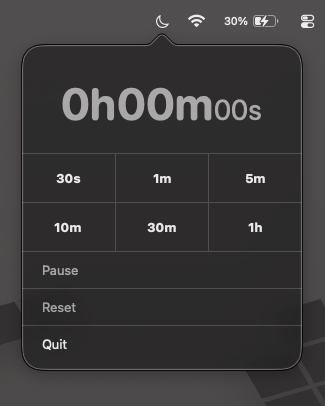
From a 30‑second quick nap test to a full hour. Tap any preset and the countdown starts right away.
🖥 Always There, Never in the Way
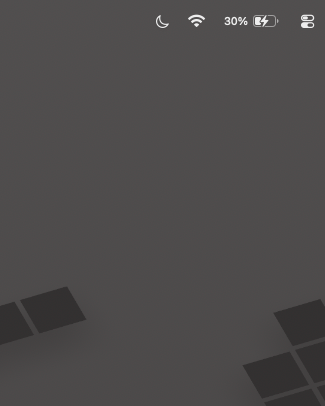
A moon icon in your menu bar. One click opens it, a click outside closes it. Nothing to install or configure.
🔒 Privacy First
Sleep permission is requested when you launch the app and cleared when you quit. Nothing lingers behind.
Troubleshooting
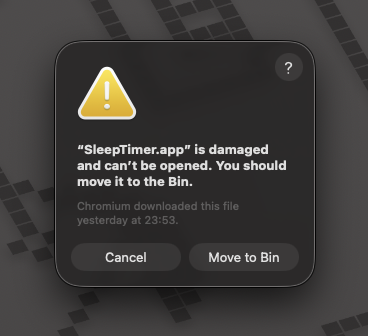
First-time launch warning
macOS Gatekeeper shows this warning because Sleep Timer is not signed with a paid Apple Developer ID — it's free, open-source software. The app is not damaged.
To fix it, open Terminal and run:
xattr -cr /Applications/SleepTimer.app